Anthropic
console.anthropic.com → API keys → Create key.
Guide
Inference here runs on your own provider keys by default, at provider prices, under a cap you set — on your keys we keep $0 of usage, because the money never passes through us — and this page is the whole setup. If you would rather skip it, we carry keys too: provider price plus a disclosed 10%, prepaid from a refundable dollar balance.
Why keys
Every product in this market pays a model provider for inference. Most resell it to you as credits or hours; the markup and the meter live in the middle. On your own keys there is no middle: your company calls the provider on your key, the provider bills you at their prices, and our runtime meters every call to the cent on your ledger.
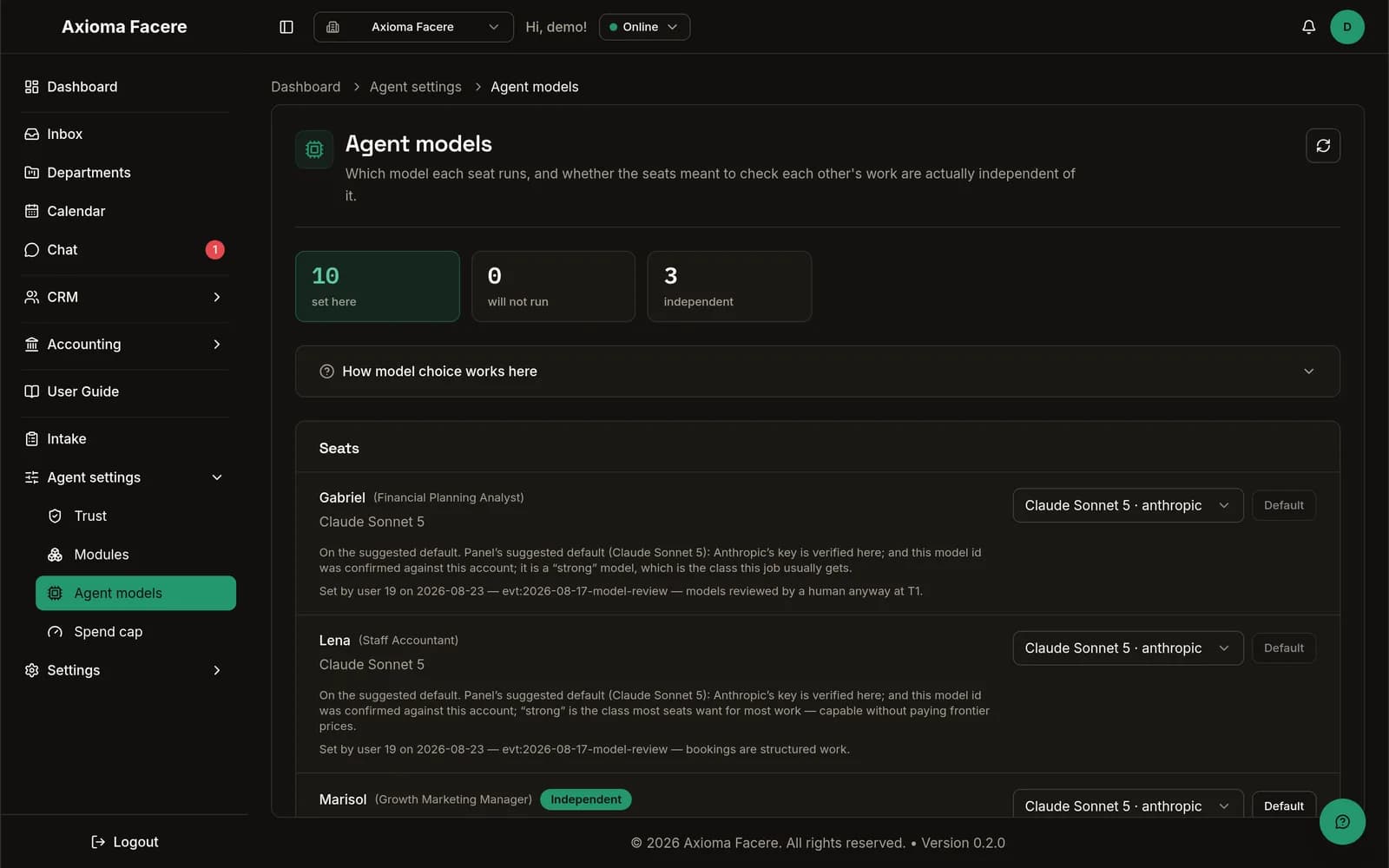
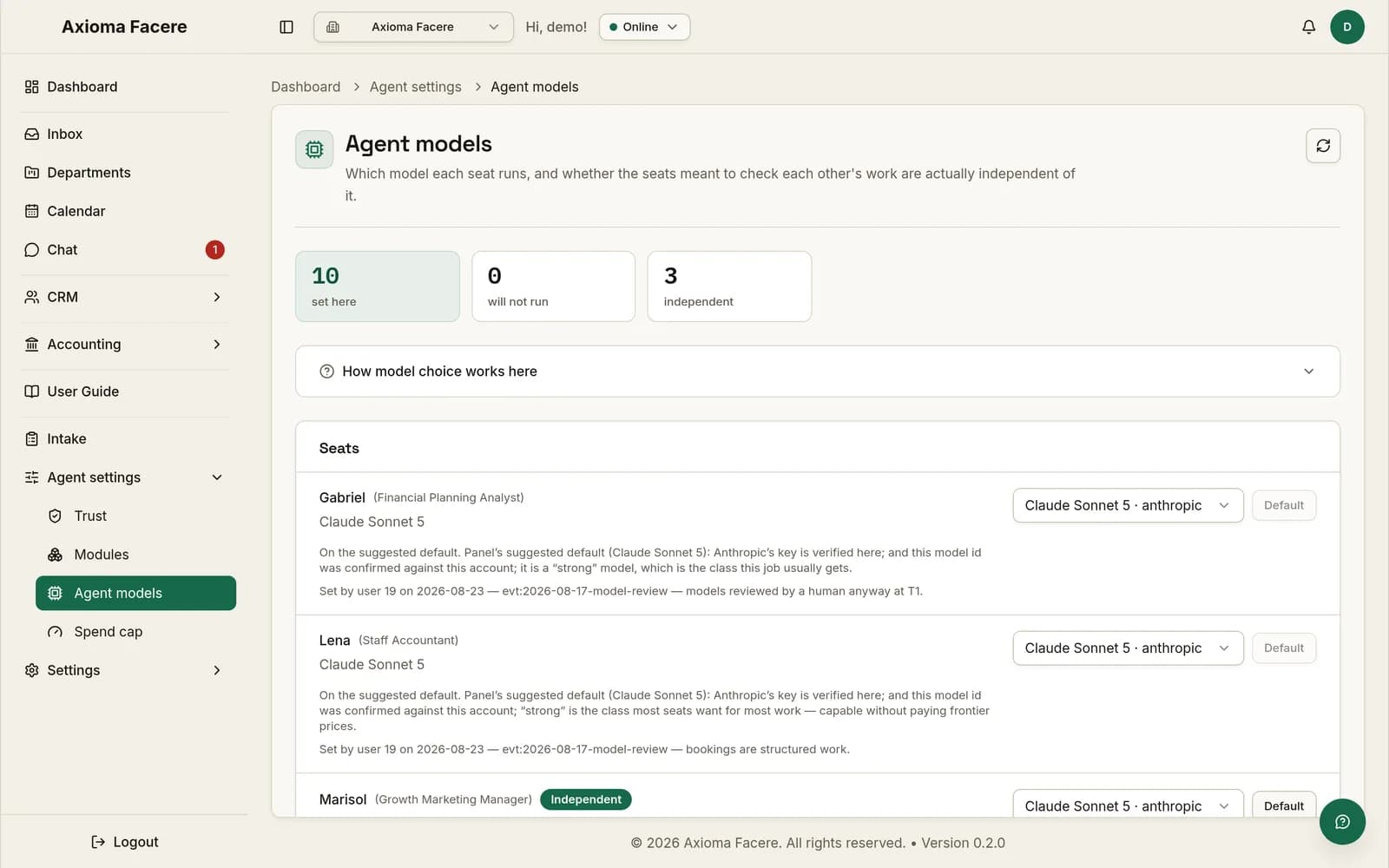
One key from one provider is enough to start — the default profile runs on a single key. You can add more providers later and route models per name on the models page. One name, Michael, requires a second vendor when he audits work that runs on the first — enforced by the runtime, not requested — but that is a step for later, not for day one.
And any key you would rather not hold, we can hold for you: per provider, at the provider’s prices plus a disclosed 10%, itemised on your ledger as its own line, and prepaid — you top up a dollar balance that never expires and refunds, and managed work stands still at zero rather than overdrawing. Mixing is ordinary — bring your Anthropic key and use our Gemini, or the reverse — and the second vendor the audit role requires is exactly the key most worth handing off, since its periodic workload costs cents.
The setup
The providers
The add-test-save flow is identical for all of them; only the console you copy the key from differs. Console layouts change — if a path below has moved, the provider’s own documentation wins.
console.anthropic.com → API keys → Create key.
platform.openai.com → API keys → Create new secret key.
aistudio.google.com → Get API key.
console.x.ai → API keys → Create key.
platform.deepseek.com → API keys → Create key.
Model Studio in the Alibaba Cloud console → API keys.
When a key dies
When a key stops working, the company stands down. Runs halt, the failure lands on the ledger as a stand-down with its reason, and we email you. Nothing improvises on a dead credential and nothing bills. Fix or replace the key in settings and work resumes.
Direct answers
The honest answer is that it is a few minutes of clicking in two consoles, and this page is all of it. The payoff is structural: you pay provider prices, we keep $0 of what runs on your keys, and there is no credit meter to run out. And if even that is more consoles than you want, we carry keys at cost plus a disclosed 10%, prepaid from a dollar balance that never expires and refunds — the choice is per provider, not all-or-nothing.
Whichever you already have an account with. The runtime is model-independent by design; you can change the answer later, per name, on the models page, and the cost of trying another provider is another five-minute key.
At the default profile, roughly $6–15 a month — an estimate, labelled as one. The worked examples, profile by profile, are on the total-cost page, and your own ledger itemises the real number from the first turn.
The key is the last piece of setup. Everything after it is parked drafts, released by you, until the roster earns otherwise.